
Local LLM
Run LLM models entirely on your Mac — your data never leaves your device.
What It Does
Shuole includes a built-in llama.cpp server that runs large language models locally. This powers features like LLM Polish without sending your data to external services.
Model Download
The local model (Qwen3-8B, ~5.4 GB) is downloaded automatically on first use. A progress modal appears to show the download status. This is a one-time download.
Privacy: When using the local model, your transcript never leaves your Mac. All processing happens on-device.
Server Status
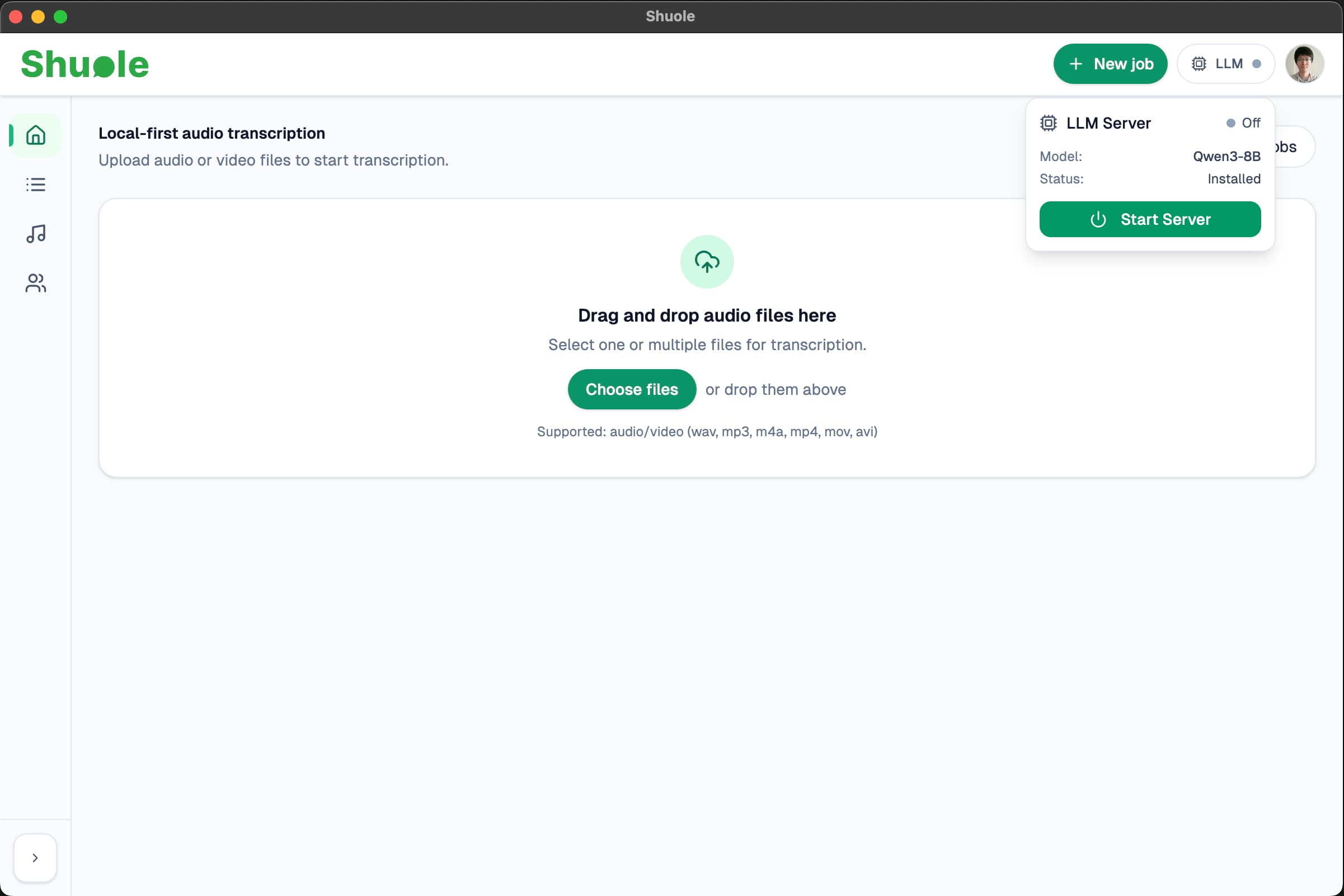
The LLM status chip in the app header shows the current server state:
- Green dot — Server is running and ready
- Gray dot — Server is stopped
Click the chip to start or stop the server manually. The server automatically shuts down when you quit Shuole.
System Requirements
For optimal performance with the local LLM, we recommend:
- 16 GB RAM or more
- Apple Silicon Mac (M1/M2/M3/M4) for best speed
The model will run on Intel Macs but processing will be significantly slower.
Related
- LLM Polish — Add punctuation using local or cloud LLMs
- API Keys — Configure cloud LLM providers instead
- Installation — Full system requirements