
Installation
Get Shuole up and running on your Mac in under 2 minutes.
Download
- Go to shuole.app and click Download for macOS
- Open the downloaded
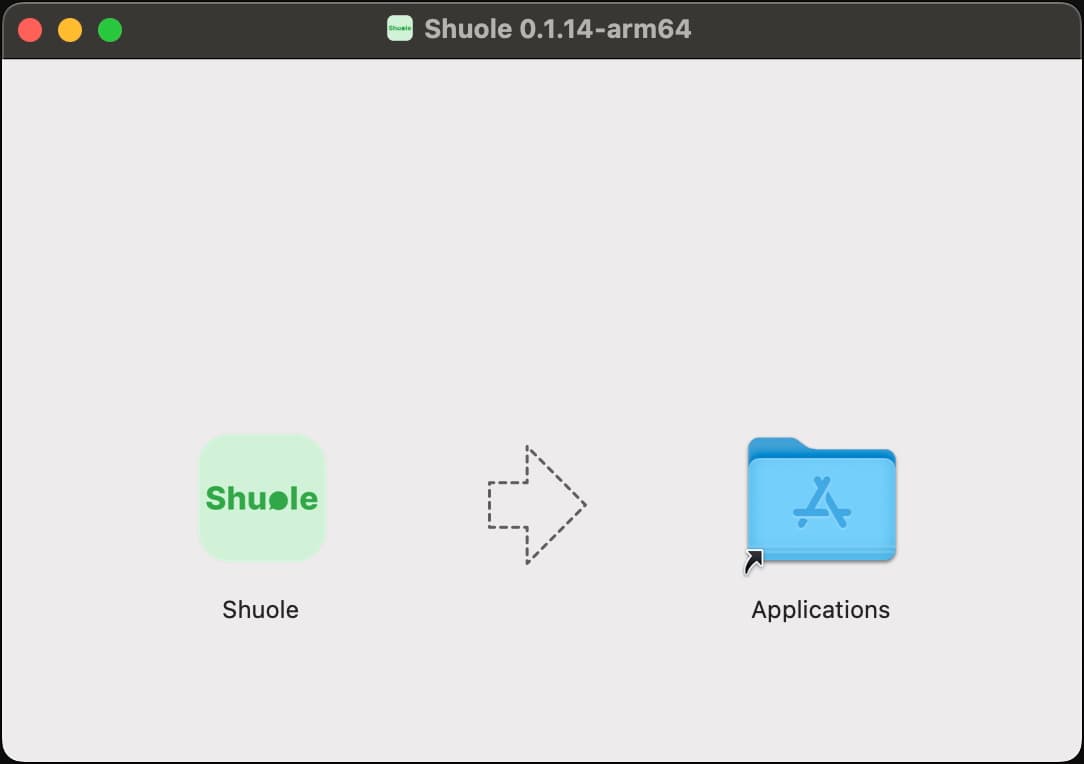
.dmgfile - Drag Shuole to your Applications folder
First Launch
- Open Shuole from your Applications folder
- macOS may show a security prompt — click Open to continue
- On first launch, Shuole will automatically download essential media tools (ffmpeg, ffprobe) and runtime dependencies. This ensures the app is ready for processing.
- The transcription model (e.g. Large V3) will be downloaded when you start your first job.
Tip: Shuole runs entirely on your device. Your audio files never leave your Mac.
System Requirements
- macOS 13 (Ventura) or later
- Apple Silicon (M1/M2/M3/M4) — Intel not currently supported
- 8 GB RAM minimum (16 GB recommended for complex pipelines)
- ~10 GB disk space (~1.5 GB runtime dependencies, ~2.5 GB transcription models, ~5.4 GB optional local LLM)
Next Steps
Ready to transcribe your first audio file? Continue to Quick Start →